Movicon.NExT Help on Line - Rel. 4.3
Movicon.NExT has been designed to allow users to take the advantage of the most advanced Machine Learning technologies aimed at detecting and recognizing objects in the field to immediately visualize their dynamic real-time information for operator scrutiny.
This technology allows operators to use their mobile device’s integrated video camera or augmented reality devices to combine cognitive system information with the Movicon.NExT project by using any HTML5 browser with the WebHMI technology. This document describes the technologies on which the platform is based and how to use and configure them.
Cognitive Augmented Reality Applications with Movicon.NExT
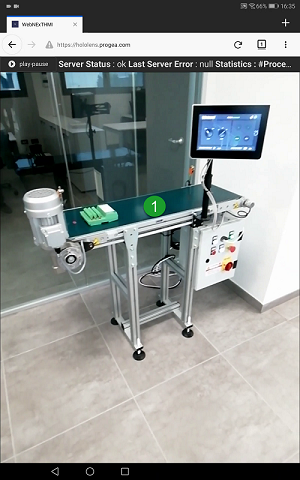
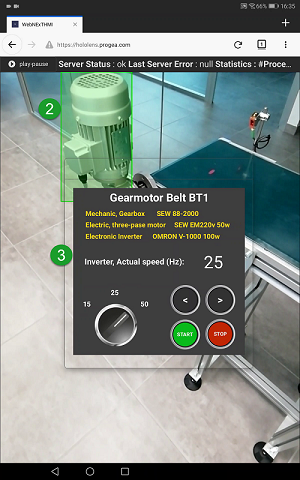
The scope of this solution, which is integrated in Movicon.NExT, is to facilitate the creation of HMI systems with the capability to use the camera eye lens to recognize previously learned elements or components in the plant. When objects within the surrounding plant environment are recognized in realtime, operators will automatically receive the relative HMI realtime information on these objects through automatic pop-up screens which have been previously defined in the project in relation to the targeted context. These MI screens will then display dynamic project information which show variables in animated screen format with which the operator can interact to execute commands.
For example:
